24h Routines
Your whole day, on one clock.
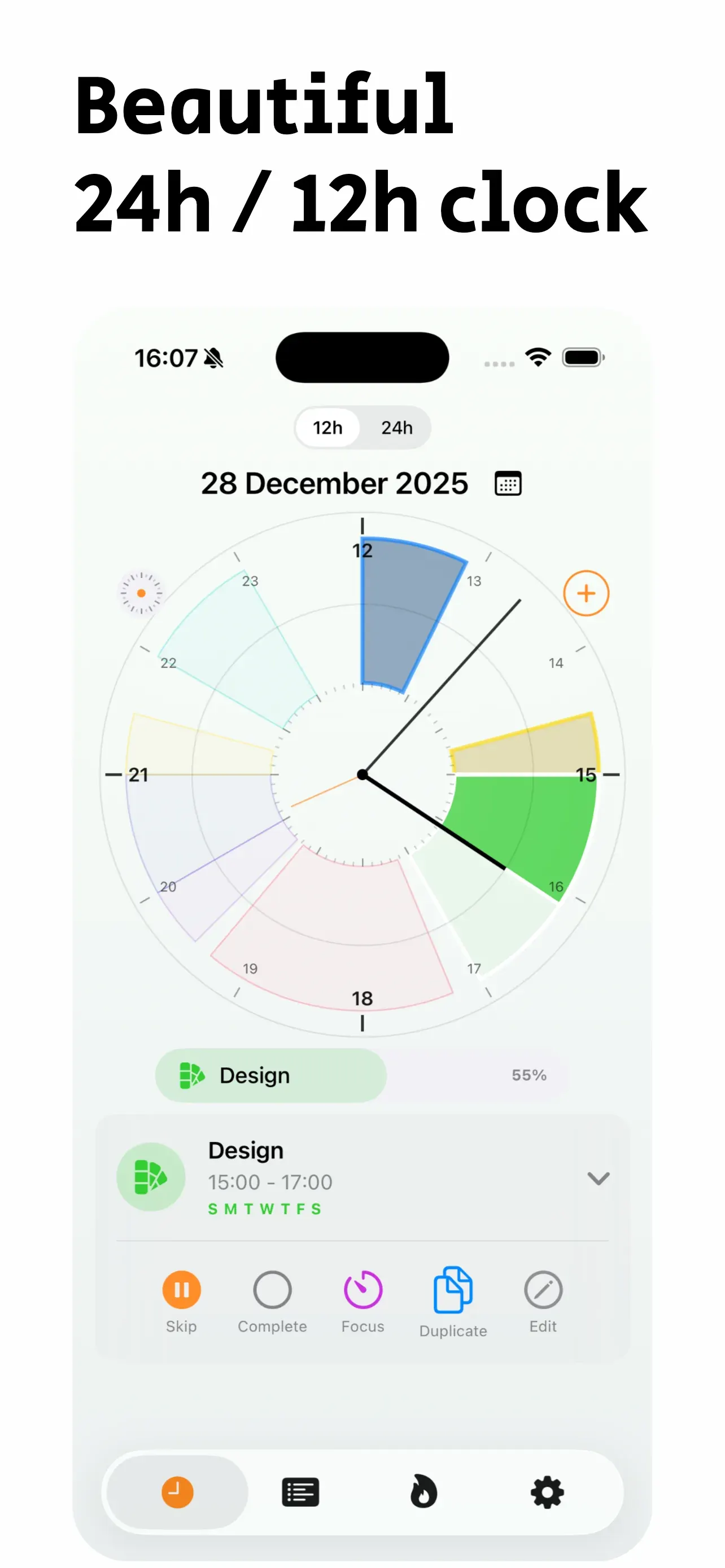
Draw your routines on a 24-hour dial. Crafted with a minimalist aesthetic inspired by the functionalism of Braun and Dieter Rams: zero clutter, pure clarity to see what's next and how much free time remains.
Screenshots
See it in action
What it does
A clock to organize your day
Inspired by Dieter Rams' principle (“less, but better”), each routine is a slice of the dial. Your whole day visible without visual noise.
Your whole day in view
Your routines show up as slices on a 12 or 24-hour clock.
Your free gaps
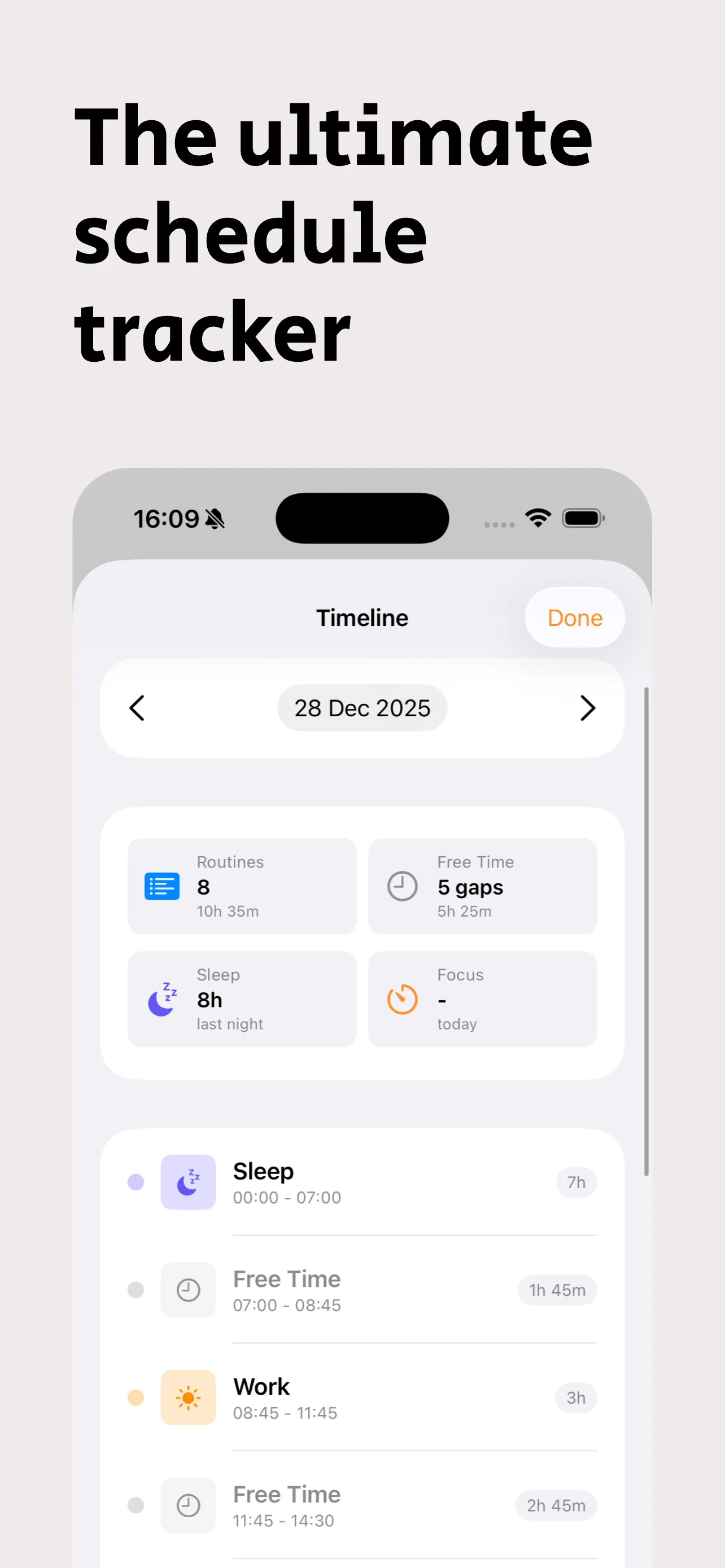
See how much time you have between routines.
Consistency, no pressure
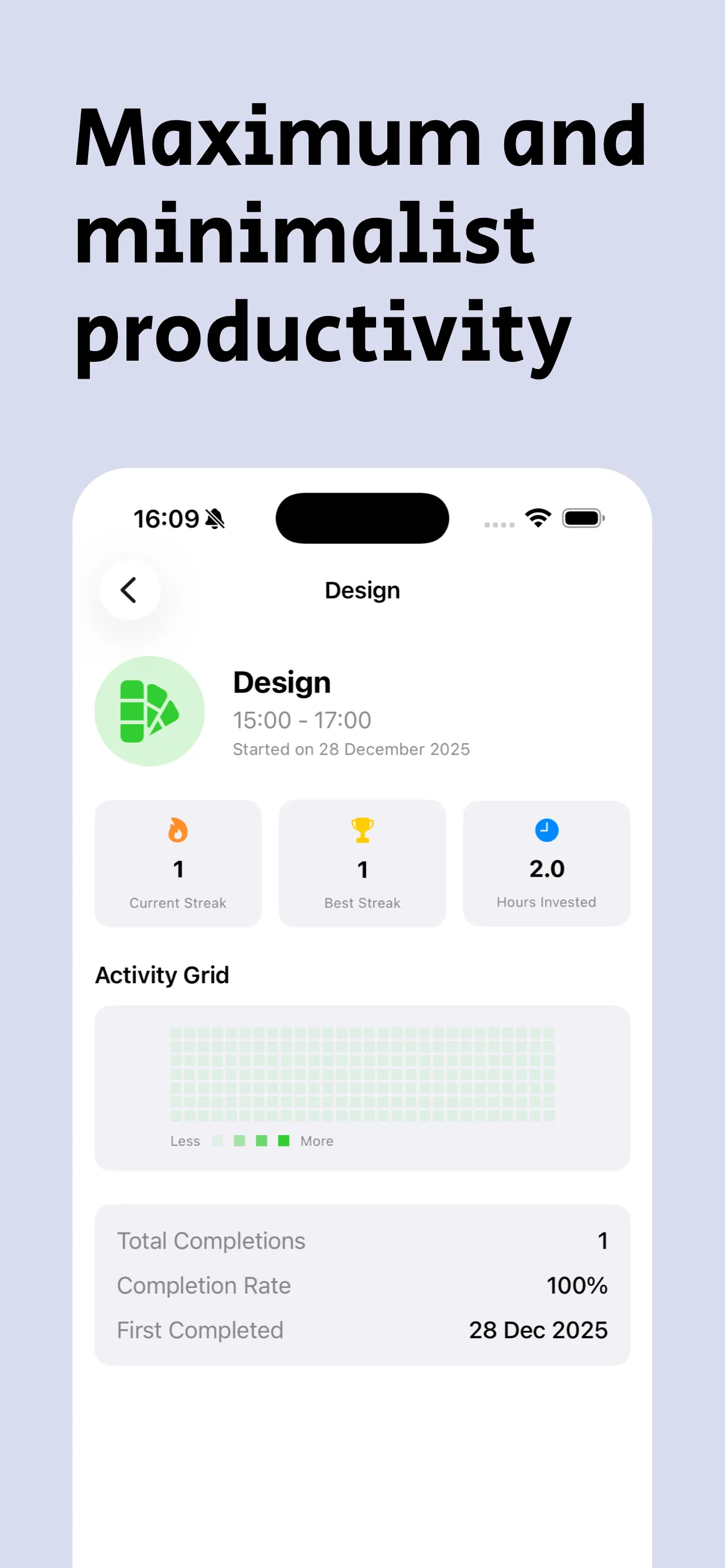
Check off each routine and follow your streaks.
How it works
Three steps and you're set
Getting started takes a minute.
Create your routines
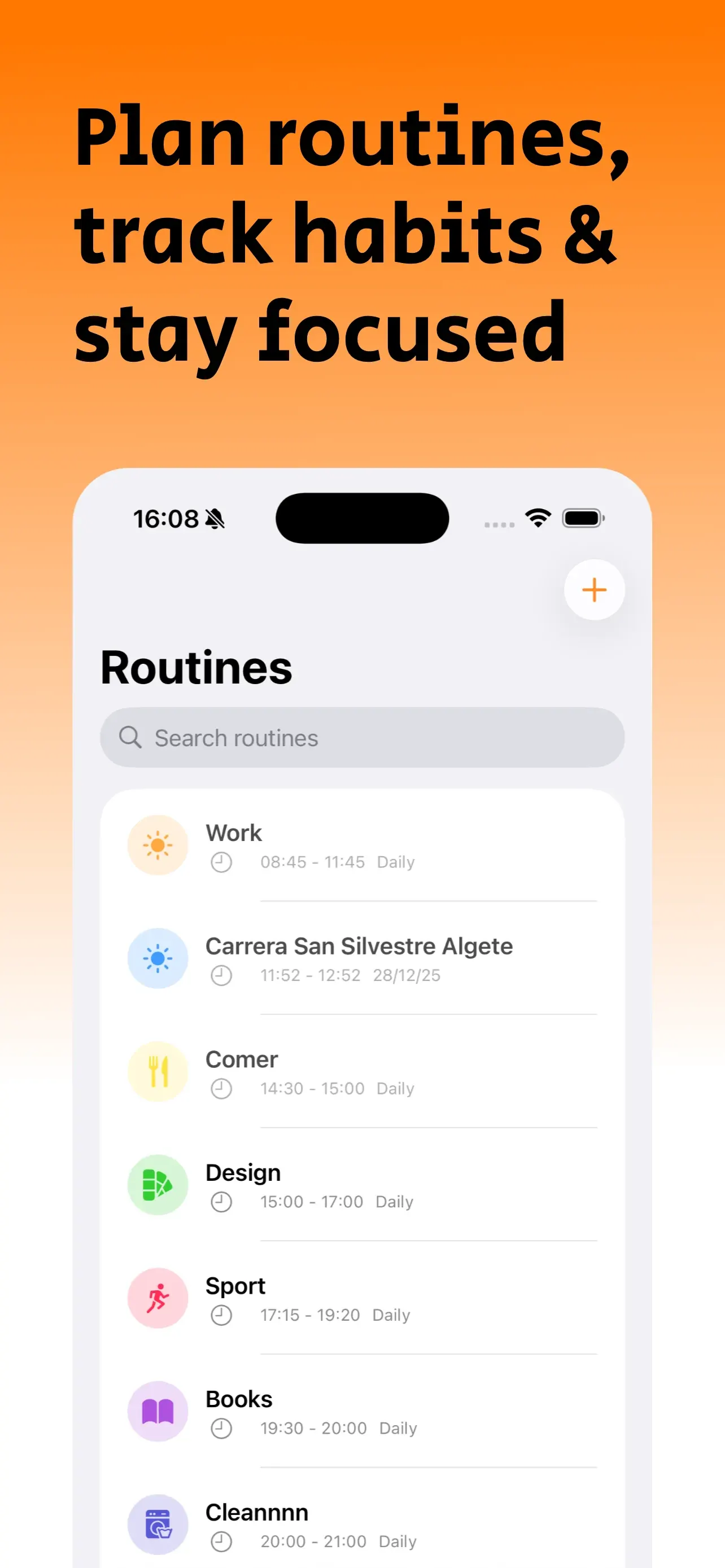
Pick a name, icon, color and time. They can repeat or happen just once.
See them on the clock
Each routine gets its own slot. Tap one to complete, skip or edit it.
Follow your progress
Check your streaks, your hours and your full day in the timeline.
Features
Everything you can do
Built to make planning your day simple.
12 or 24-hour clock
Switch views with one tap.
Reminders
A heads-up before each routine, if you want one.
Focus mode
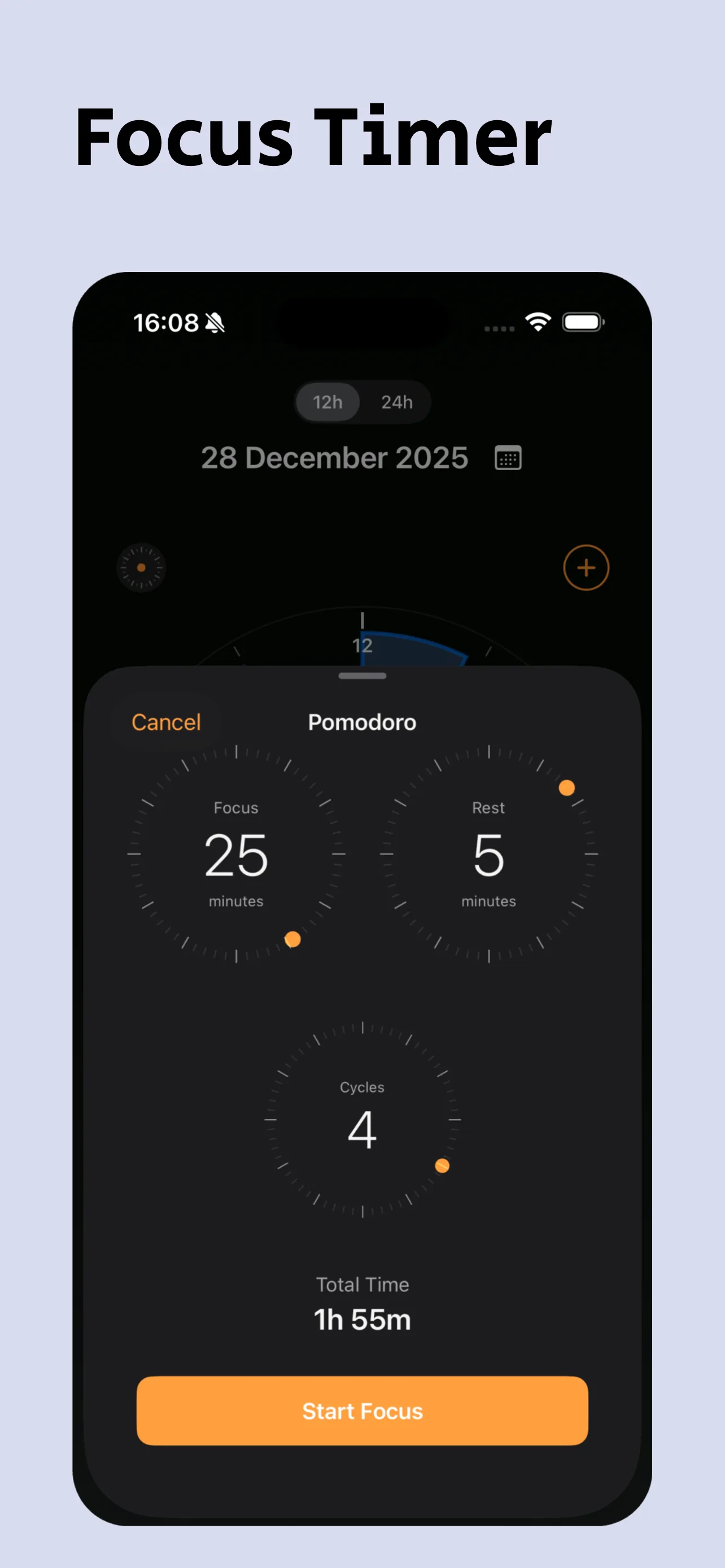
Focus sessions with breaks, also from your Lock Screen.
ZEN Mode
A clean, distraction-free view to focus on the present moment with calm.
Smart Adjustments
Automatic overlapping routine detection with intelligent suggestions to optimize your day.
Streaks and stats
Your best streak, hours invested and consistency.
Widgets
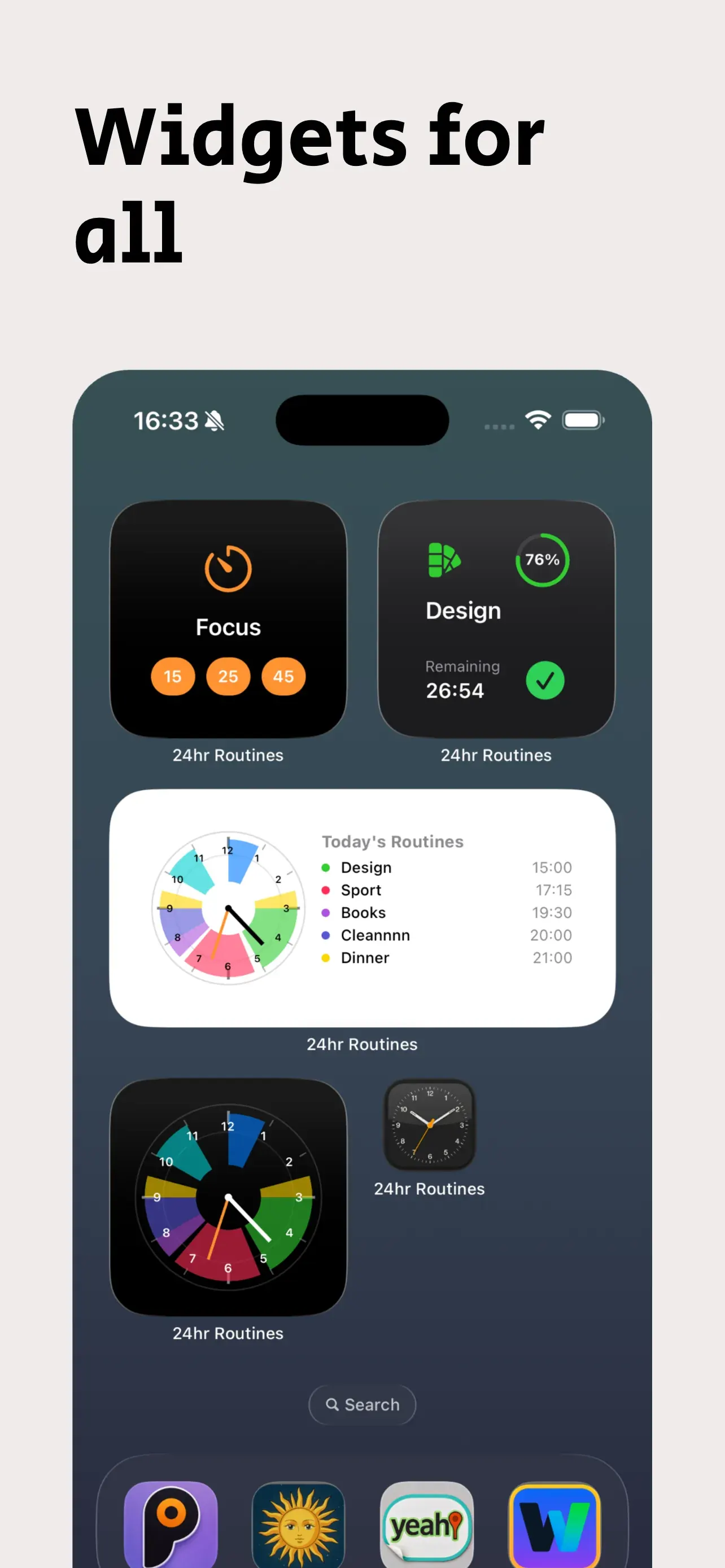
The clock and your progress on your Home and Lock Screen.
Siri and Shortcuts
Ask what's next or start a focus session with your voice.
Sleep and workouts
If you allow it, your sleep and workouts from Health show on the clock.
Calendar
Import events as routines or export your routines to the calendar.
Sunrise and sunset
See sunrise and sunset on the clock for your city.
iPhone Duo & iPad
Tailored for iPhone Duo and optimized to make the most of the entire iPad lineup.
Straight answers
Frequently asked questions
Is it free?
What happens to my data?
Do I need Health or the calendar?
Does it work on iPad?
Which languages does it speak?
How do I get help?
What's new
Changelog
Better every day.
- Adapted for iPhone Duo and optimized for all iPad models
- New ZEN Mode
- Automatic detection of overlapping routines with smart adjustment suggestions
- Enhanced welcome screen and refined interior layouts with clean minimalism
- Bug fixes, performance improvements, and increased efficiency
- 1 - Design improvements: New simplified Timeline view with settings to sort the entire day
- 2 - Performance and functionality improvements
- 3 - New button to skip all routines for the day or for X hours
- 4 - New section centralizing notifications for better granular management
- 5 - Minor bug fixes
- New Quick Actions.
- Siri Integration.
- Focus Timer now with a much better and more robust design using Apple's AlarmKit.
- New view with graphs and data from your routines.
- Better and faster integration of workouts from Apple Health.
- Fix for the bug that caused a desynchronization between the app and widgets.
- New, more dynamic and agile way to create recurring or one-off routines.
- Design improvements for a more efficient workflow.
- Bug fixes and general performance improvements.
- New daily, weekly, monthly, and annual progress bar.
- Fundamental improvement in the logic of periodic and one-time routines.
- New icons available.
- Sync and private backup in iCloud.
- New progress and streaks widgets.
- 5 exclusive widgets for the Lock Screen.
- Native Spotlight integration.
- Added 7 Siri Shortcuts.
- Easily add extra time to a routine. Improved routine creation and editing.
- 3 new languages: German, French, and Italian.
- Design adjustments, fundamental improvements in many sections, and minor bug fixes.