Available on the App Store

Weather for humans

A readable weather view for what is happening now, what is coming next, and how today compares with the past.

App Store ID: 6758056677 · iOS 18 or later · English and Spanish localization
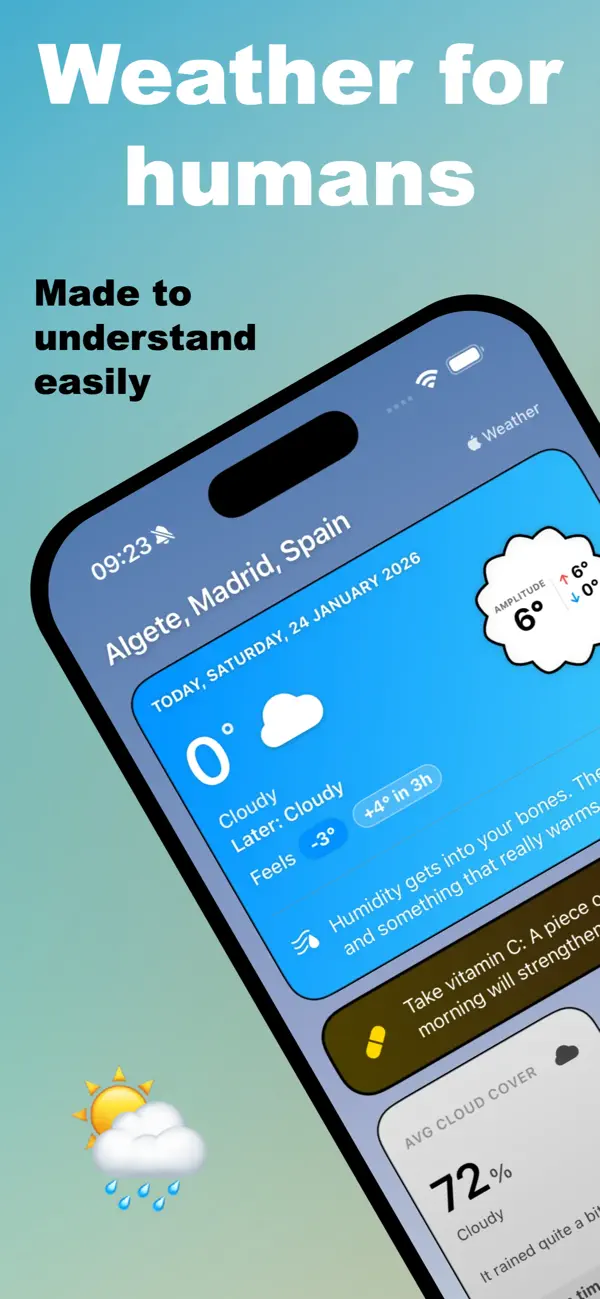
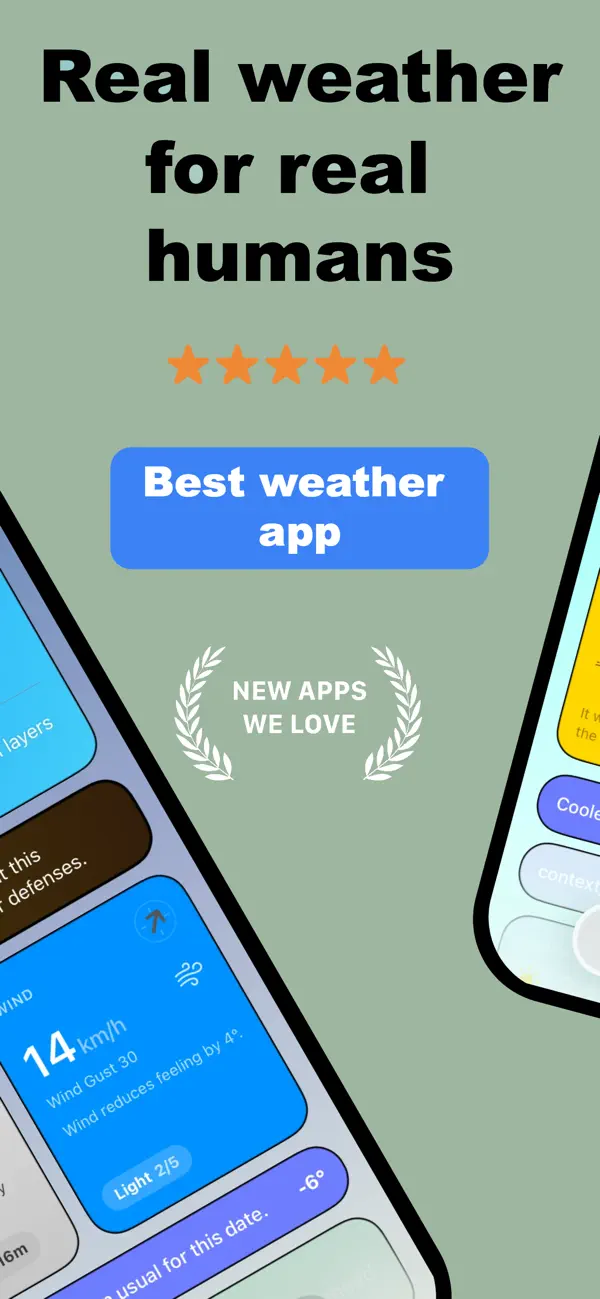
Weather for humans current weather screen
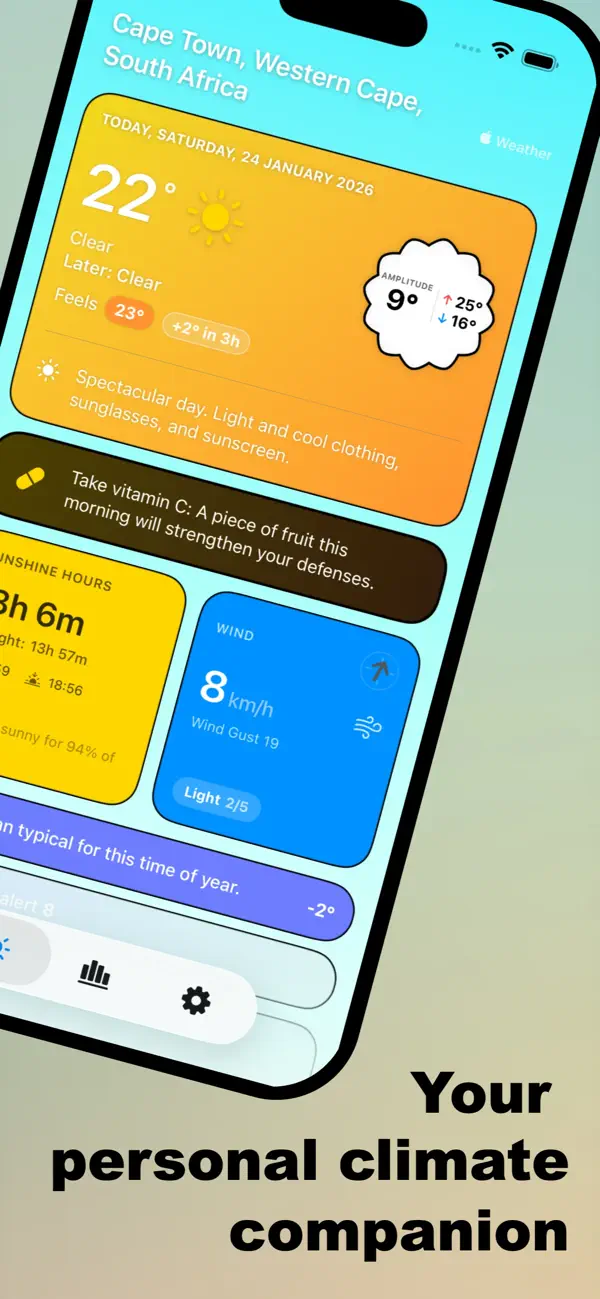
Weather for humans weather detail screen
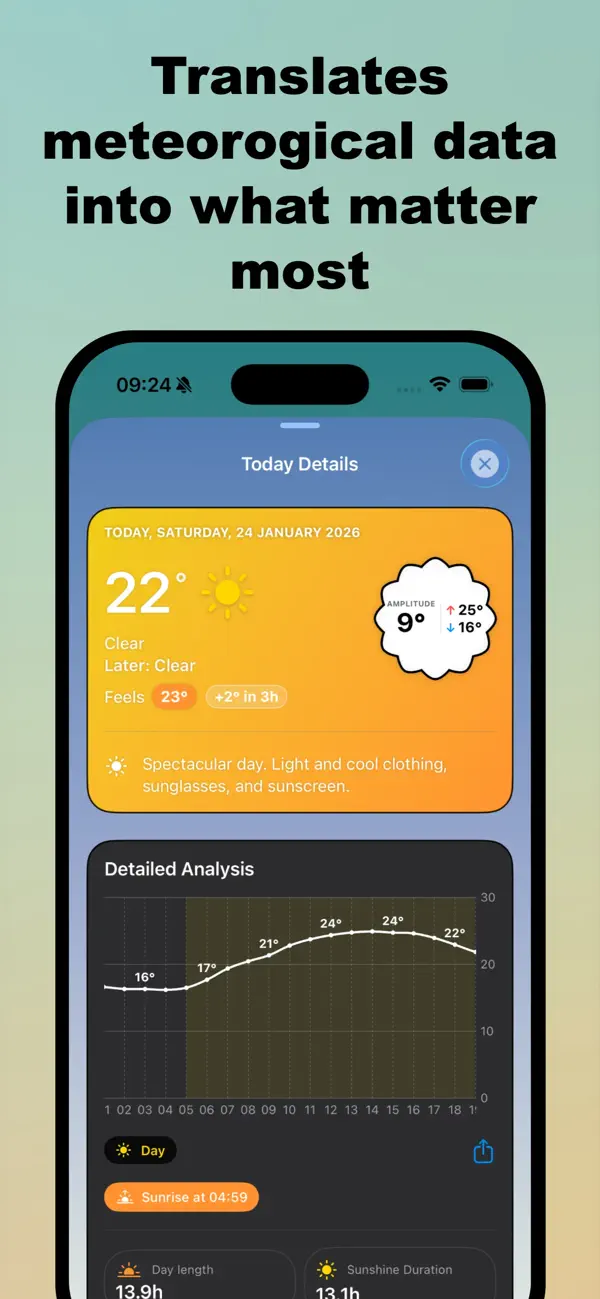
Weather for humans forecast screen
Weather for humans settings screen

Weather, with context.

Weather for humans combines live weather data with local calculations for daylight, moon phases, historical comparisons, clothing suggestions and weather-aware notices.

  • Read current temperature, feels-like temperature, high and low temperatures, humidity, wind, cloud cover and precipitation.
  • See the next hours, tomorrow and up to ten forecast days in the app’s forecast views.
  • Compare today with historical daily data and inspect monthly climate summaries.
  • Open detailed views for temperature, wind, sky conditions, daylight, moon and tomorrow.

What the code currently provides

These are features represented in the project, not promises about features outside it.

☀

Current conditions

Temperature, feels-like temperature, humidity, UV index, wind, gusts, cloud cover, precipitation and condition descriptions.

◷

Hourly and daily forecasts

Next-hour context, hourly charts, tomorrow details, and forecast summaries for up to five or ten days depending on the view.

☼

Daylight and moon

Sunrise, sunset, daylight duration, sunshine estimates, moon phase, illumination, moonrise, moonset and visible duration.

↺

Historical context

Daily comparisons use historical data for the same date. Climate views calculate monthly high, low, rainfall, sun and cloud summaries.

♧

Human-readable guidance

Clothing suggestions, adaptive wellness tips, cloud and wind context, temperature trends and rain severity text are generated in the app.

!

Notices and alerts

Local notifications and in-app banners cover severe weather data, rain, snow, frost risk, tropical nights and seasonal transitions.

▦

Home Screen widgets

Current weather, today’s weather, hourly forecast, health tips, wind and clouds/sun widgets share cached weather data through the App Group.

⌁

Shortcuts and Spotlight

App Intents expose current weather, clothing advice, sky status and section opening. Quick actions and Spotlight indexing are also implemented.

⌘

Personal settings

Choose a theme, units, typography, app icon, notification preferences and, in the premium path, home-card order and visibility.

How it works

The implementation stores a selected place locally, fetches weather for its coordinates, derives context on the device, and shares a snapshot with widgets.

  1. Search a place with MapKit suggestions, or allow a one-time current-location request.
  2. Request weather data for the selected coordinates through WeatherKit.
  3. Use historical WeatherKit data, with an Open-Meteo Archive API fallback in historical calculations.
  4. Save weather summaries and widget data locally, then refresh the app and widgets when data changes.

Frequently asked questions

Direct answers based on the current project and the App Store listing.

What does Weather for humans show?
It shows current conditions, feels-like temperature, high and low temperatures, humidity, wind, cloud cover, precipitation, daylight, moon information, hourly forecasts, multi-day forecasts and historical context.
What weather services does it use?
The app requests current, hourly, daily, alert and historical weather data from Apple WeatherKit. The code also contains an Open-Meteo Archive API fallback for historical daily data and climate calculations.
Does the app use my location?
You can search for a place and save its coordinates. The app also has an optional current-location flow that requests When In Use location permission, reverse-geocodes the result and uses the coordinates to request weather.
Does it send weather notifications?
The code supports local notifications for daily summaries, tomorrow outlooks, rain, snow, frost, tropical nights, wind, temperature changes and severe weather settings.
Which languages are available?
The project contains English and Spanish localizations. The App Store lookup also reports EN and ES language codes.
Is there a premium mode?
Yes. Premium features include extra saved locations, automatic GPS in the settings flow, more forecasts, climate views, widgets and dashboard customization.
What does premium cost?
Premium costs €0.99 per week, €19.99 per year, or €39.99 one-time lifetime.

Changelog

Evolution for humans.

Version 1.3

  • Improved design for the Welcome screen.
  • Adapted for iPhone Duo.
  • Adapted and styled for iPads.
  • Refined sky colors, with fine-tuning for seasonal changes.
  • New 10-day weather forecast view.
  • You can now hide any cards you choose, for maximum personalization.
  • Notifications and alerts are now much smarter, more adaptive, and more precise.
  • Detailed, hour-by-hour weather breakdown for the next 24 hours.
  • The wind card now allows you to swipe through the forecast to see beyond the current day.
  • You can now easily switch between your saved locations directly from the Home screen.
  • General improvements to data retrieval, bug fixes, increased speed, and better internal performance.

Version 1.2

  • New card: MOON: Phases, states, and detailed lunar information.
  • New widgets: Wind and Cloud Cover.
  • Added Quick Shortcuts support.
  • Customizable dashboard: reorder cards to your liking and hide unwanted cards.
  • New human-centered cloud cover logic that closer reflects reality.
  • New tropical night alerts for warm evenings.
  • Native Spotlight integration.
  • New alert cards anticipating Equinoxes and Solstices.
  • Bug fixes and general performance improvements.

Version 1.1

  • New card with the forecast for the next 6 hours.
  • Widgets now display alert notifications and the next day's forecast.
  • 2 new widgets with the forecast for the next few hours.
  • More accurate calculation of historical temperature deviation.
  • Integration with Siri and Shortcuts.
  • Nighttime frost alerts.
  • New and more comprehensive historical forecast mode.
  • Three new optional icons to change the app's appearance.
  • Bug fixes and general performance improvements.